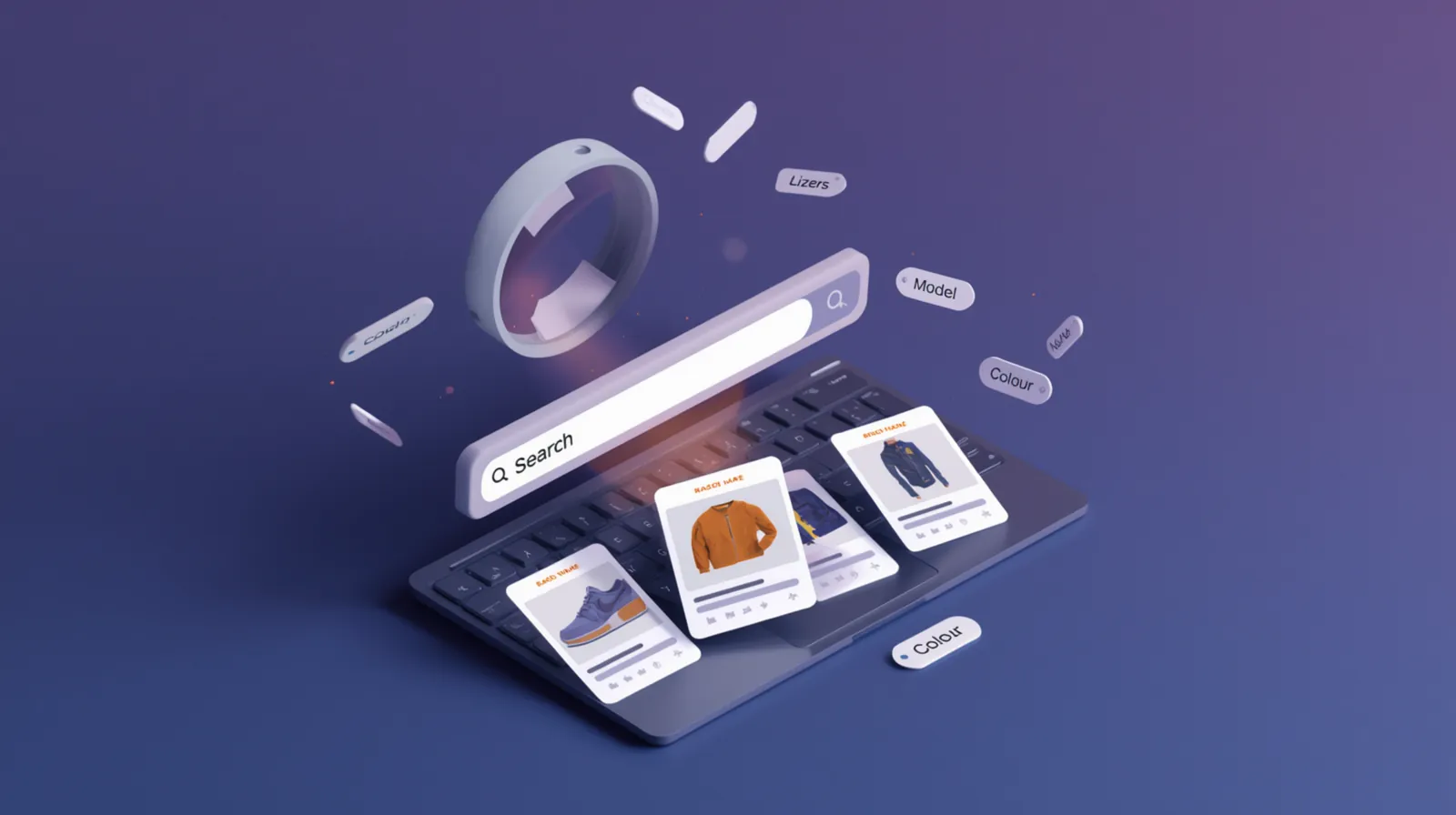
Your eBay listing title is the single most important factor in whether buyers find your product. eBay's search algorithm (Cassini) uses your title to determine relevance, and buyers use it to decide whether to click on your listing. Get it wrong, and your product is invisible. Get it right, and you'll rank higher and sell more.
In this guide, we'll break down exactly how to write eBay titles that rank in search results, follow eBay's rules, and convert browsers into buyers.
Why eBay titles matter
When a buyer searches for "bluetooth speaker waterproof," eBay's Cassini algorithm scans millions of listings to find the most relevant matches. The primary data source? Your title. If those keywords aren't in your title, you won't appear in the search results — regardless of how great your product or price is.
Beyond search visibility, your title is the first thing buyers see. A clear, informative title with the right keywords builds trust and increases click-through rate. A vague or spammy title makes buyers scroll past to the next listing.
eBay title rules and limits
Before you start writing titles, understand eBay's constraints and policies:
- 80 character limit: That's your maximum space. Use every character wisely — more keywords = more search visibility.
- No ALL CAPS: Writing "BLUETOOTH SPEAKER" looks unprofessional and actually hurts SEO. Use normal capitalisation.
- No special characters: Avoid ★, ✅, ♥, or other symbols. eBay may hide your listing from search or remove it entirely.
- No spam keywords: Don't stuff your title with "WOW!", "LOOK!", "L@@K", "BARGAIN", or repeated words. eBay flags this as keyword spam.
- Accuracy matters: Your title must match the actual product. "Brand new" when it's used, or including a brand name that doesn't match the product, violates eBay policy.
The anatomy of a perfect eBay title
A well-optimised eBay title follows this structure:
[Brand] + [Product Type] + [Key Feature] + [Size/Colour/Model] + [Condition/Compatibility]
Example breakdown:
"Samsung Galaxy S24 Ultra 256GB Titanium Black Unlocked Smartphone UK Stock"
- Samsung: Brand name (catches brand-specific searches)
- Galaxy S24 Ultra: Product model (specific searchers looking for this exact phone)
- 256GB: Key spec (storage capacity is a primary differentiator)
- Titanium Black: Colour variation (buyers search by colour preference)
- Unlocked: Compatibility (distinguishes from carrier-locked phones)
- Smartphone: Product category (broad term for general searches)
- UK Stock: Trust signal (buyers prefer UK sellers for faster shipping)
Keyword research for eBay
The right keywords are the difference between ranking on page 1 and being buried on page 10. Here's how to find them:
Method 1: eBay autocomplete
Start typing your product into eBay's search bar and note the autocomplete suggestions. These are the exact phrases real buyers are searching for. If eBay suggests "bluetooth speaker waterproof portable," those keywords should be in your title.
💡 Tip: Type the first few words of your product into eBay's search bar and note the autocomplete suggestions. These are the exact phrases buyers are searching for — use them in your title.
Method 2: Terapeak (eBay's research tool)
Terapeak (free for eBay sellers) shows search volume and sold listing data. Search for your product category and filter by "most searched keywords." These are proven high-traffic terms.
Method 3: Competitor analysis
Find the top 10 best-selling listings in your product category (sort by "sold items"). Analyse their titles. What keywords do they all include? What patterns do you notice? Learn from what's already working.
Method 4: Google Trends
For broader market trends, use Google Trends to see if certain keywords are rising or falling. "Wireless earbuds" might be more popular than "Bluetooth headphones" this year — reflect current language in your titles.
Common title mistakes
Keyword stuffing
Bad: "Bluetooth Speaker Bluetooth Wireless Speaker Bluetooth Portable Speaker"
Why it's bad: Repeating "Bluetooth" and "Speaker" wastes characters and looks spammy.
Fix: "Bluetooth Wireless Speaker Portable Waterproof 20W Bass USB-C Rechargeable"
Wasting characters on fluff
Bad: "Brand New Amazing Quality Fast Free Shipping Bluetooth Speaker"
Why it's bad: "Brand New," "Amazing Quality," "Fast Free Shipping" are marketing fluff that don't help search ranking. Use item specifics and description for these details.
Fix: Use those 30+ characters for product specs instead: "Bluetooth 5.3 Waterproof IPX7 Portable Speaker"
Too short titles
Bad: "Bluetooth Speaker" (18 characters)
Why it's bad: You have 80 characters. Leaving 60+ unused means missing out on dozens of potential keyword matches.
Fix: Expand with specifics: "Bluetooth Speaker Portable Wireless Waterproof 20W Bass 12H Battery USB-C Black"
Category mismatch
Bad: Title says "Samsung Phone Charger" but product is actually a phone case.
Why it's bad: Buyers report "item not as described." Your account takes defects. eBay may remove the listing.
Fix: Title must accurately reflect the actual product.
Title optimisation checklist
Before publishing any eBay listing, run your title through this checklist:
- ✅ Using 75-80 characters (don't waste space)
- ✅ Brand name included (if applicable)
- ✅ Product type clearly stated
- ✅ Most important feature/spec mentioned
- ✅ Variation info included (colour, size, model)
- ✅ No spam words (LOOK, WOW, L@@K, BARGAIN)
- ✅ No ALL CAPS (normal capitalisation only)
- ✅ No special characters (★, ✅, ♥)
- ✅ Accurate description (matches actual product)
- ✅ Keywords from eBay autocomplete included
Using AI for title optimisation
Writing optimised titles manually takes time and research. AI tools can speed up the process by analysing product data, extracting key features, and generating keyword-rich titles that fit within 80 characters.
For example, Coderom's AI listing tool takes an Amazon product URL and automatically generates an eBay-optimised title using GPT-4. It identifies the brand, product type, key specs, and relevant keywords, then formats them into a title that maximises search visibility while staying within eBay's rules.

Your eBay title is the gateway to sales. Spend time getting it right — use all 80 characters, include relevant keywords, avoid spam, and ensure accuracy. A well-optimised title will outperform a poorly written one by 2-3x in search visibility and click-through rate. Master title writing and you've unlocked one of the highest-leverage improvements in eBay dropshipping.